
No products in the cart.
Typing with Long Nails: Your Keyboard Choice is as Individual as You Are Leave a comment
About the author: Maude Emery is a 37-year-old professional living in Switzerland. As the Head of Events & Business Operations at Logitech, she plays a vital role in supporting the Personal Workspace Solutions Business Group. Her daily work involves orchestrating large-scale events and ensuring seamless operations across diverse stakeholders, continents, and time zones. Maude studied at the renowned Ecole Hôtelière de Lausanne and prior to joining Logitech she was an entrepreneur running her own restaurant and later her event business.
When it comes to typing with long nails, at Logitech we hear you loud and clear. We know the feeling. The struggle is real. At Logitech, we listen closely to our users, their challenges and needs. Our users feed back so many frustrations: long nails can cause increased typos, the risk of chipping the new nail design, or the bothersome click-clack noise that can distract others. We understand these challenges completely, and yet as we shared in our recent blog post, there is no single, one-size-fits-all solution. For anyone with long nails, there are different factors that define what is the right solution for you. That’s why we’re handing the keyboard over to some of our employees sharing their stories to help you find your personal “typing zen”.
Meet Maude: Logitech employee and nail artist
Our guest today is Maude. Five years with Logitech, Maude is a true power user who relies on fast, accurate typing to keep global operations running smoothly. Here is her story:
I’ve always had long nails and have been doing my own manicures for years, with a real passion for nail design and art. Because of my career, I’ve always worked with computers. In fact, 99% of my job is typing and I’ll be the first to admit: typing with precision without ruining a fresh set of nails is a challenge. Personally, my biggest struggles were:
- Staying fast and precise under pressure: When I am taking live meeting minutes (which is almost every day), there is no room for error: Typos destroy my flow immediately, not to mention my efficiency.
- The “click-clack” factor: Nails on keys create a distinct sound. While it is not really an issue when I work from home, I still find it tricky to find a way to balance typing efficiency with a noise level that is respectful of my colleagues in our open-space office environment or in a large meeting room.
The choice of your keyboard is as individual as your nail style
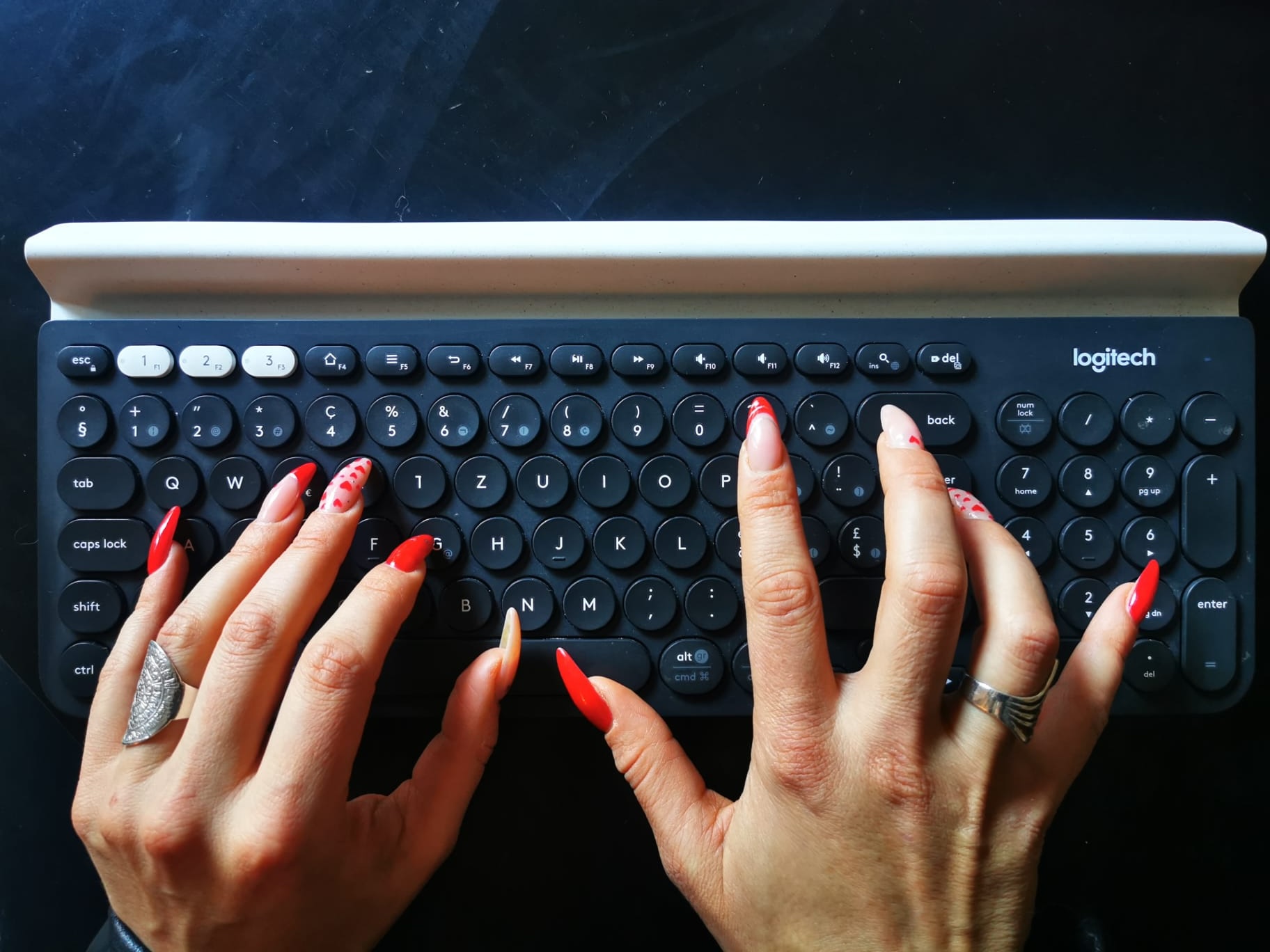
I have always typed with my nails. This means I hit the keys using the sharp tip of the nail instead of the finger pad. Since I’ve been doing my own manicures for years, I’ve adapted my technique to treat my nails as a literal extension of my fingers. I realized that before you even choose a keyboard, it is so important to find the typing style that feels right for you.
Then there is the hardware itself: you can choose between low caps, high caps, square, round, or even ‘squircle’ shapes. Add to that the texture and the type of plastic used. The choice is vast and deeply personal. Believe me, I’ve tried many, and truthfully, I’m still on the journey to find the perfect keyboard that eliminates every single struggle for long nails, but I’ve found what gets me closest to that goal.
Maude’s perfect match: A low-profile keyboard
A low-profile keyboard is my go-to whether I’m at a fixed desk either at home or in the office. Whilst on the move, the product itself slightly differs because ergonomics and comfort are just as important to me as speed, but it remains a low-profile keyboard.
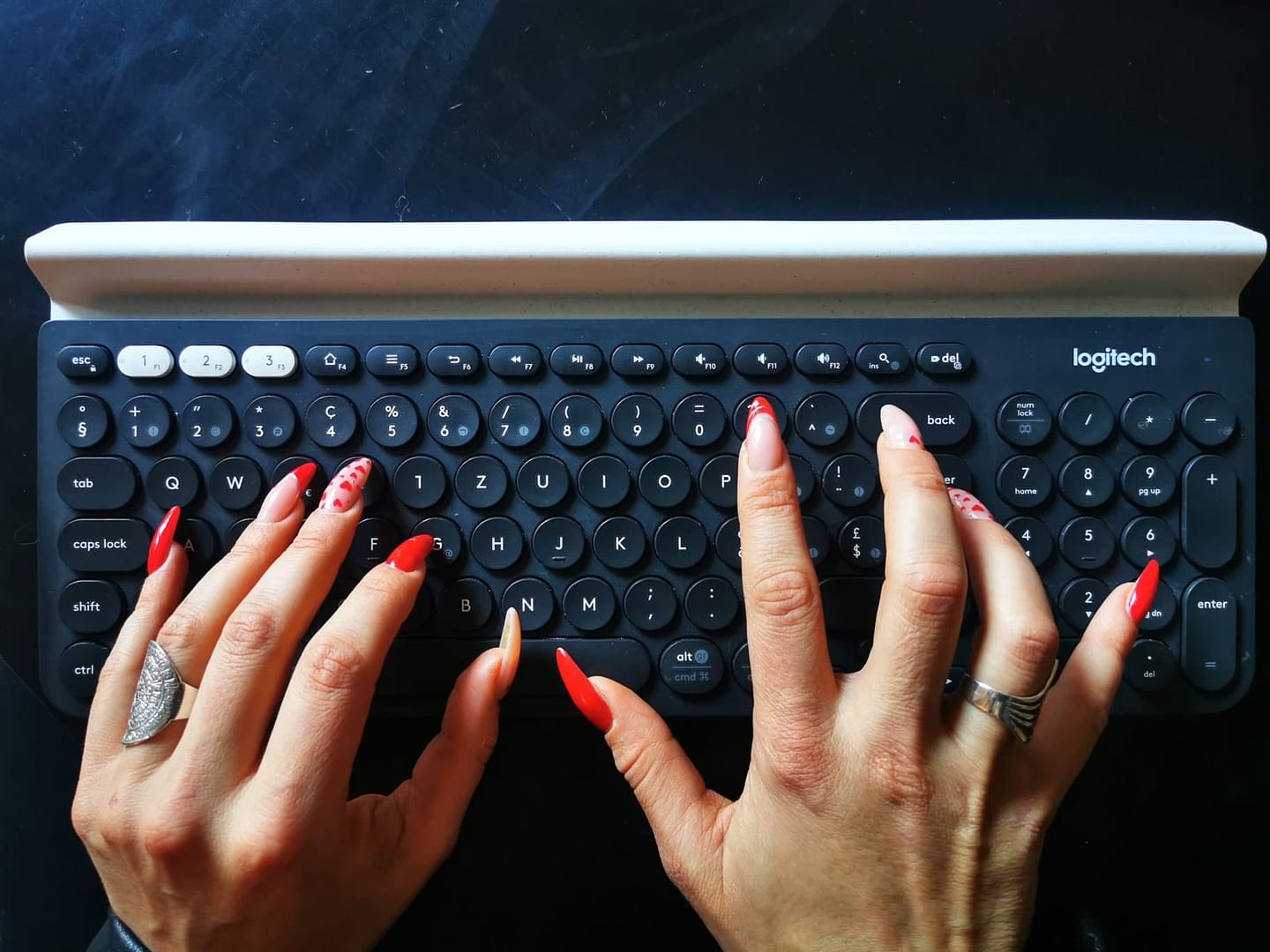
At the Desk: My preferred choice for the home and office is the Logitech K780.
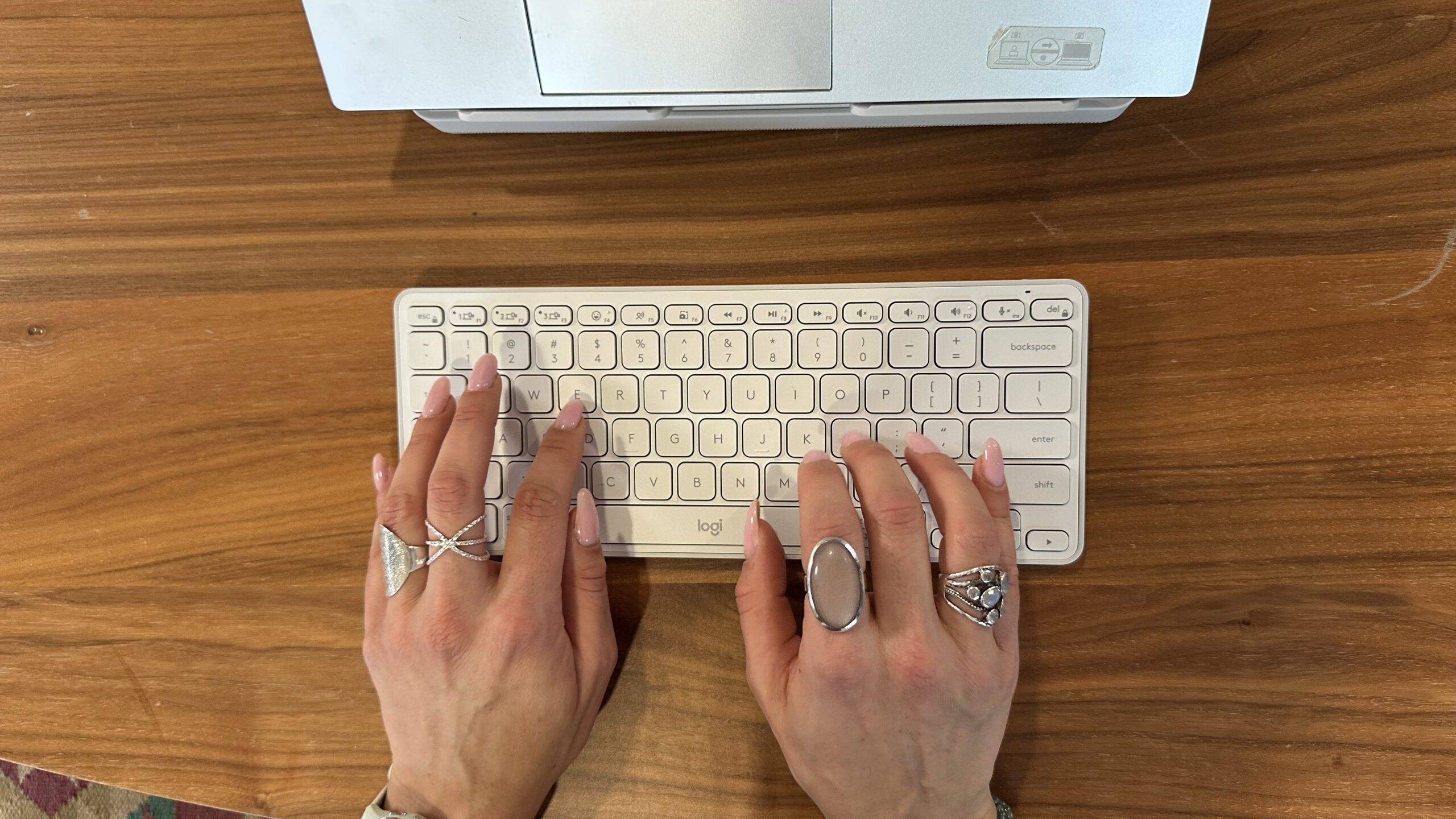
On the Go: When I travel for events, I bring my ‘kit’ to stay efficient: either the MX Keys Mini or the Casa Pop-Up Desk, which has a great low-profile keyboard.
This setup works best for me and allows me to be fast and efficient with the lowest disturbance to my peers.
Q&A with Maude
Does your typing style vary with your phone/iPad? Do you use a keyboard for your phone or iPad?
Definitely. On a touchscreen, you lose that tactile ‘edge’ you get with a physical keyboard. Typing with long nails, I actually prefer using a dedicated keyboard or a digital pencil for my tablet when I have serious work to do. It saves time, my sanity AND my manicure!
How long did it take to find the right solution for you for typing with long nails?
It’s been an evolution. It took some trial and error to realize that ‘low and flat’ was my sweet spot and thus became my go-to solution.
Any compromises you had to make?
The biggest compromise to typing with long nails does remain the noise. I am happy with my keyboard choice, but it feels impossible to eliminate all the noise. So from time to time I do find myself taking live meeting notes using my fingerpads instead. However, this does slow me down immensely.
Your one pro-tip for people typing with long nails?
Focus on the texture of the keycaps. If they are too slippery, your nails will slide into the gaps. Look for a matte finish or a shape that ‘cradles’ the nail tip to help with targeting.
And, talking to the expert: what is your all time favourite nail design?
I choose to do my nails myself as I like to experiment. Sometimes I pick a seasonal theme (in the pictures you can see my Valentine’s manicure “fait maison”) and get all creative on it. But my all-time favorite is a classic red nail with one nail being personalized.
Visit www.logitech.com to find the best keyboard for you and check out the other blogs in our series by Agnes Lisowska Masson and Sarah Michelle Lahti.