
No products in the cart.
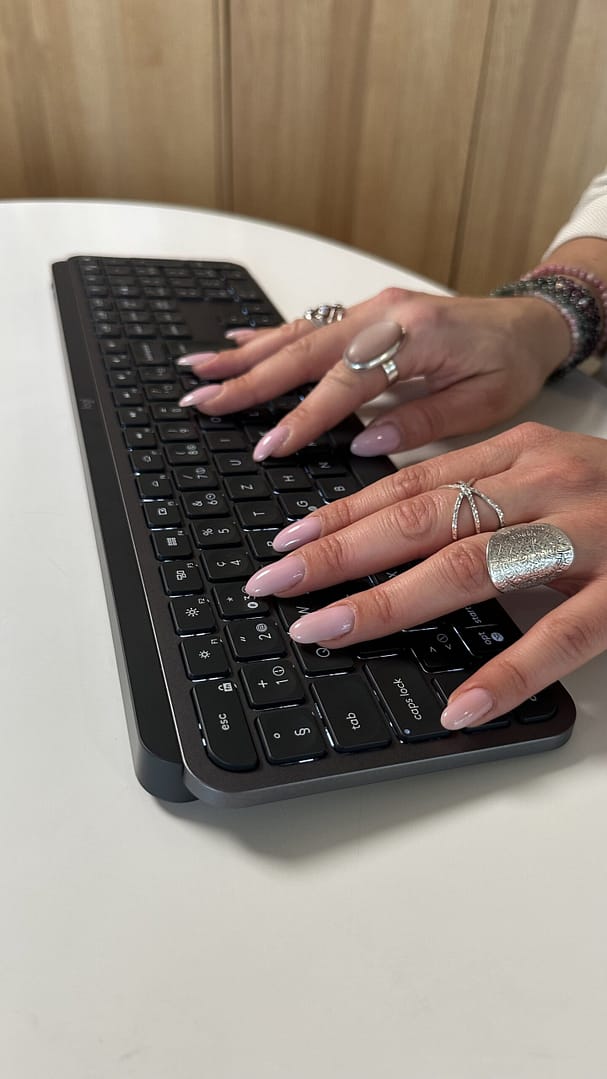
Nail the Keys: Our Human-Computer Interface Scientist on the Research Behind Typing with Long Nails Leave a comment
About the author: Agnes Lisowska Masson is a Human-Computer Interface Specialist at Logitech and the scientific lead at our Ergo Lab, where we study the impact of our peripherals on the human body, to support the different teams at Logitech in creating products that find the sweet spot between design, engineering and ergonomics, without compromising on performance. Her extensive academic background, which includes degrees from three universities on two continents, culminates in a PhD in Human-Computer Interface Interaction.
When it comes to typing with long nails, at Logitech we hear you loud and clear. We know the feeling. The struggle is real. At Logitech, we listen closely to our users, their challenges and needs. Our users feed back so many frustrations: long nails can cause increased typos, the risk of chipping the new nail design, or the bothersome click-clack noise that can distract others. We understand these challenges completely, and we have explored solutions that truly help you achieve typing comfort and accuracy without sacrificing your style.
The truth about typing with long nails is that there is no single, one-size-fits-all solution. Every individual has a unique typing style, hand position, and, -yes – a unique nail shape: stiletto, coffin, almond, ballerina. So we conducted some research in our lab with groups of both internal and external participants of keyboard users with long nails to better understand why certain setups work for some and fail for others, and what solutions are deemed to be the most preferred.
It starts with finding your typing style
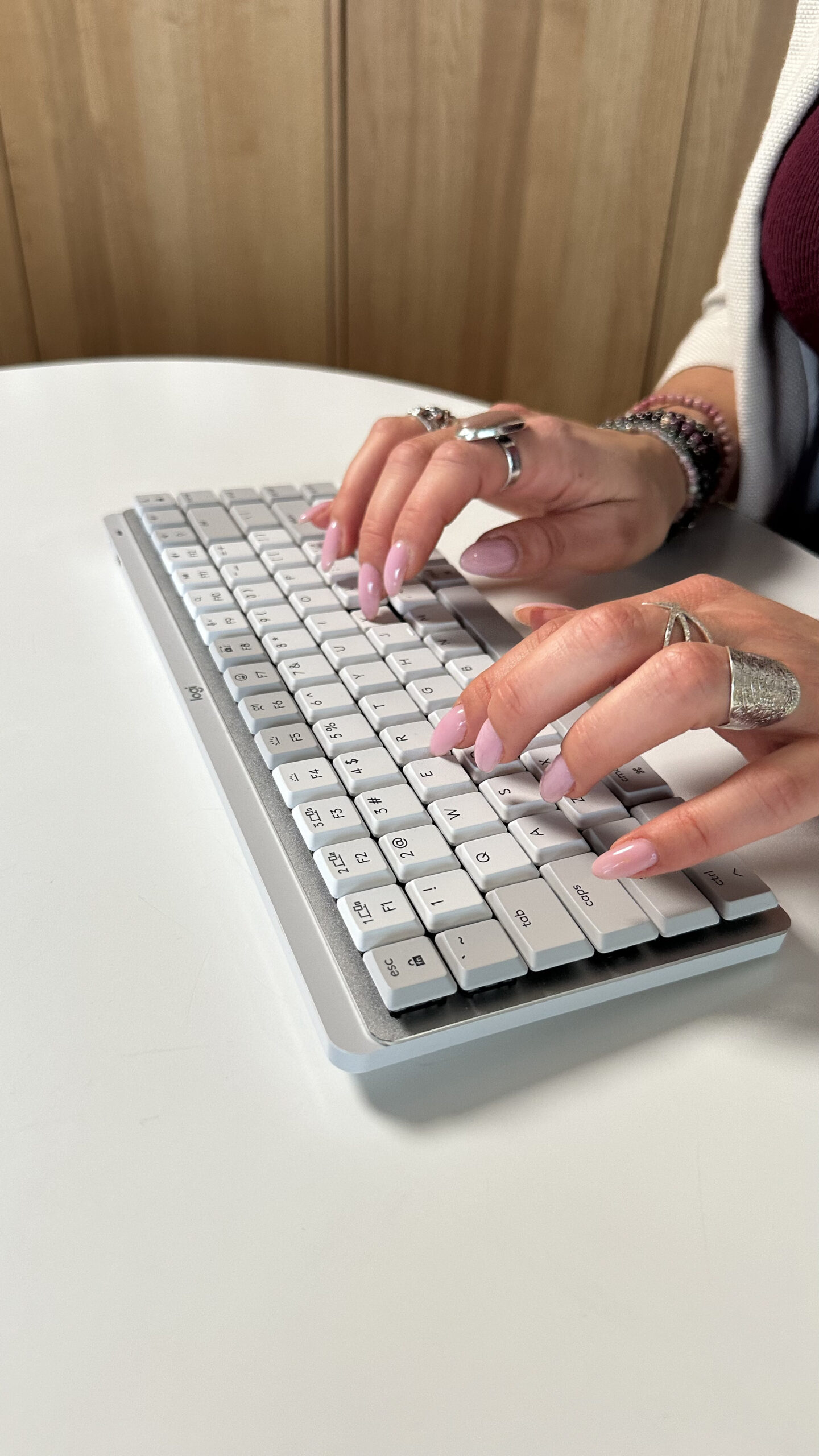
The best choice of keyboard for long-nailed typers depends to a large extent on how you type. Before you shop for a new keyboard, try to identify your primary typing style when your nails are at their longest. We’ve observed two main approaches. Their fundamental difference lies in where your fingers make contact with the keys.
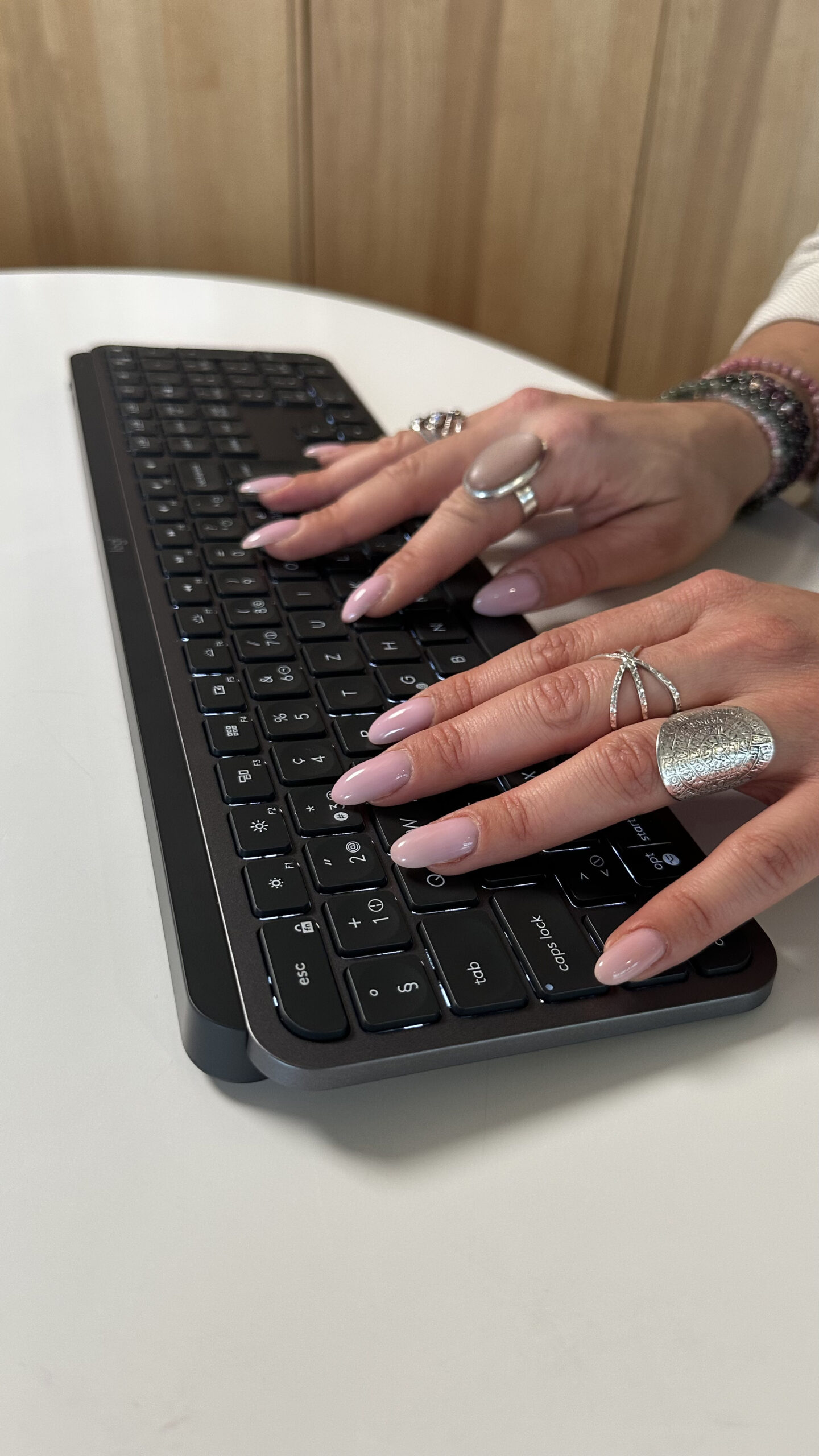
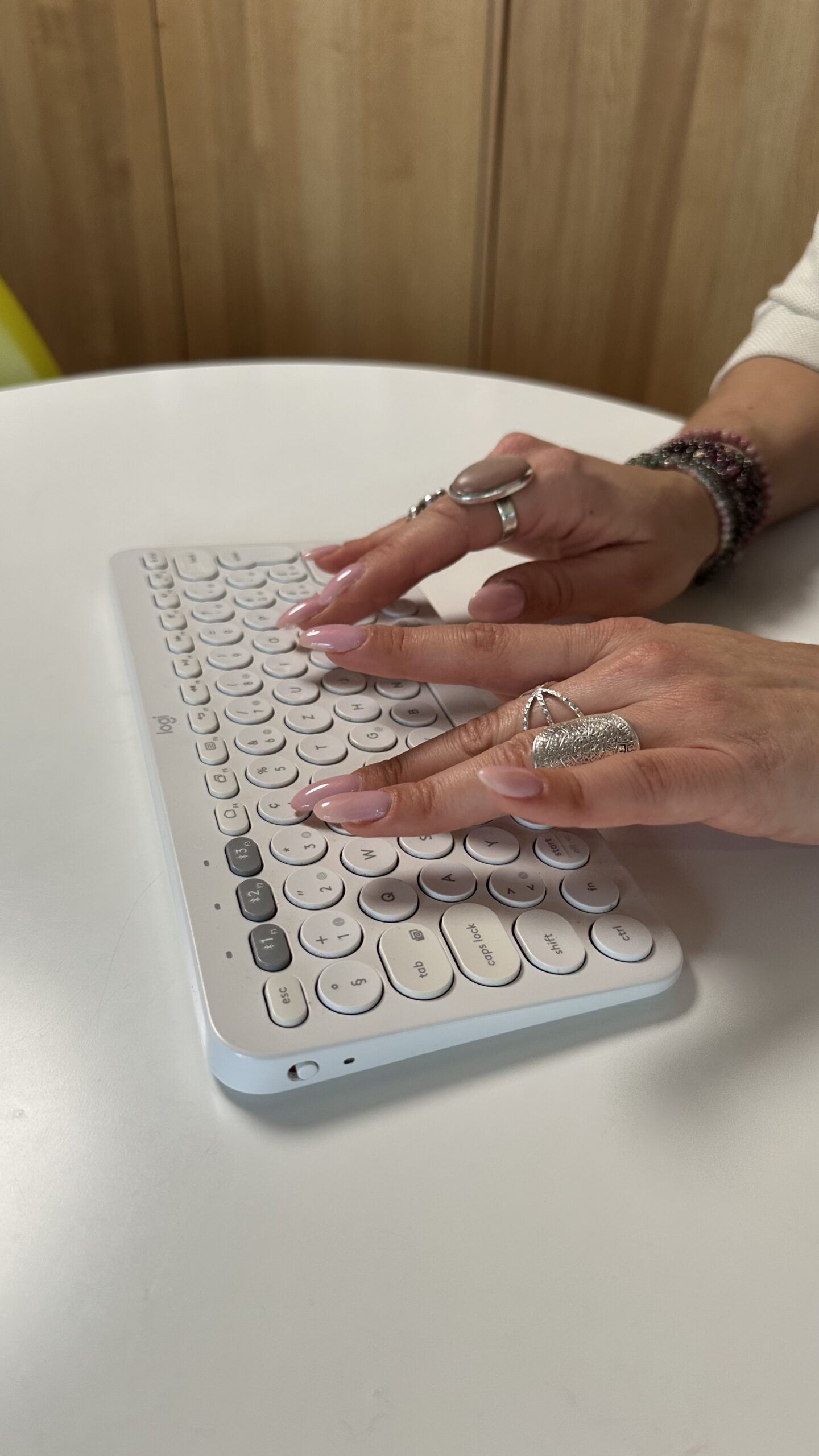
Style 1: Typing with your finger pad (or flattened finger)
How it Works: You consciously flatten your fingers to hit the keycaps with the finger pad, keeping the nail elevated and parallel to the keyboard surface. This is a common adjustment for people with square or coffin-shaped nails.
Solution: You could try a low-profile, laptop-style keyboard. This type of keyboard has minimal key travel (the distance between pressing the key and engaging it) and a flatter profile, allowing your hands to rest closer to the surface. The reduced distance between keys helps make this “flattened” approach feel natural and minimizes the risk of the long nail catching the edge of a surrounding keycap.
Style 2: Typing with the nail tip
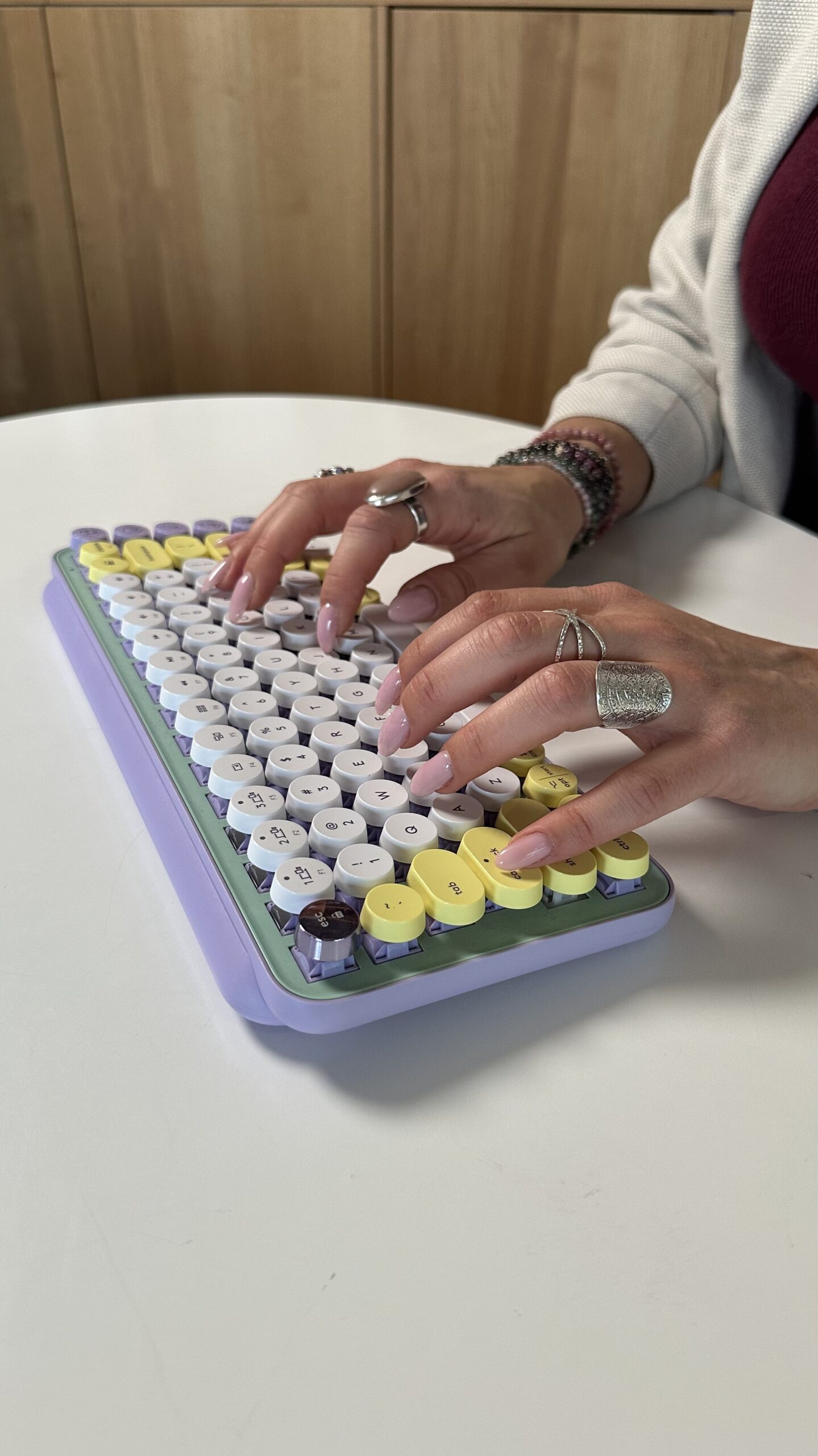
How it Works: You maintain a slightly more arched hand position and use the very tip of your nail to tap the center of the key. This is often the go to for longer nail lengths, stiletto, or almond shapes, which naturally have more precise, pointed touchpoint with the keys.
Solution: You could try traditional or mechanical keyboards. These designs often have greater key depth and more space around each key, which helps reduce accidental contact with adjacent keys when using a precise tapping motion. Mechanical keyboards moreover allow you to easily swap out keycaps to experiment with different profiles.
Three quick tips for typing success
If you are still searching for the perfect keyboard to fit with your long nails, consider these simple additions that work with your existing setup:
- Explore Third-Party Accessories: Simple silicone sheets or transparent adhesive covers can be applied directly to individual keys. These create minimal contact between the nail and the keycap, protecting your manicure and reducing noise.
- Practice on Your Phone: Many users find success typing on their phone using the sidewall of their thumb rather than the pad, a technique that can sometimes translate to keyboard use for modifier keys.
- Prioritize Comfort Over Speed (Initially): It takes time for your muscle memory to adjust. Be patient and focus on precision before attempting to reach your old WPM benchmarks. Adaptation is essential.
Ultimately if you have long nails, we encourage you to prioritize comfort and try several options to find the best keyboard for your unique needs and typing style. Stay tuned for the rest of our series, where we talk to three different typists about their specific nail shapes, techniques, and the keyboards they ultimately fell in love with!
Visit www.logitech.com to find the best keyboard for you and look out for the other blogs in our series by Maude Emery and Sarah Michelle Lahti.