Transformers TF10 Pro True Wireless Bluetooth Headset
The Transformers TF10 Pro is a true wireless Bluetooth gaming headset designed for everyday music, calls, and low-latency mobile gaming.
With Bluetooth 6.0, 13 mm dynamic drivers and a stylish Transformers look, these earbuds give you stable wireless audio, punchy sound and a comfortable fit for long sessions.
Key Features
- True Wireless Stereo (TWS) – Enjoy full stereo sound without any cables.
- Bluetooth 6.0 – Stable connection with up to ~10 m wireless range (open space).
- 13 mm dynamic drivers – Clear vocals and strong bass for music, movies and games.
- Low-latency game mode – Better audio sync for gaming compared to normal music mode.
- Touch controls – Tap to play/pause, answer calls, change tracks and more (as shown in the touch diagram).
- Automatic pairing – Take the earbuds out of the case and they power on and pair with each other automatically.
- Compact charging case – Transformers-style case with built-in battery and LED status indicators.
- Voice prompts – Voice tones for power on/off, pairing, and low battery reminders.
Battery & Playtime
- Earbuds battery: 40 mAh (each), approx. 5 hours of music playback per charge (depending on volume and usage).
- Charging case battery: 300 mAh, charges via Type-C 5 V input.
- Charging time: about 1.5 hours for the case.
- When the earbud battery drops below a certain level, a “battery low” voice alert reminds you to recharge.
Specifications
- Model: Transformers TF-T10 Pro (TF10 Pro)
- Type: True Wireless Bluetooth In-Ear Headset
- Bluetooth version: V6.0
- Transmission distance: ≥ 10 m (open area)
- Speaker diameter: 13 mm
- Speaker impedance: 320 Ω
- Earbud battery: 40 mAh / 3.7 V
- Charging case battery: 300 mAh / 3.7 V
- Charging port: USB Type-C
How to Use
- Power on: Remove the earbuds from the charging case, or long-press the touch area for about 3 seconds.
- Power off: Put the earbuds back into the case, or leave them disconnected for a few minutes to auto-power-off.
- Pairing: After power on, the left and right earbuds connect to each other and enter pairing mode.
Open your phone’s Bluetooth list, search for “TF-T10 Pro” and connect.
- Factory reset: If the earbuds do not pair correctly, follow the reset method in the user manual (multi-tap on the touch area, then reconnect).
Package Contents
- Transformers TF10 Pro True Wireless Earbuds (Left & Right)
- Transformers Charging Case
- Type-C charging cable
- User manual
Notes & Care
- The headset is not waterproof. Do not use it in the rain, shower, or submerge it in water.
- Keep away from strong heat sources, open flames, and environments with strong electromagnetic interference.
- Charge with a standard 5 V USB power adapter only.
LED status indication

Touch operation

Restore Factory Settings
- Method 1: power on unconnected state: after clicking the left/right headset 5 times, the red light will turn off for 1 second, clearing the pairing information left/right headset off.
- Method 2: power on connected state: left / right headset 5 times, after hearing the “thud” sound, 3 seconds long press 10 seconds off, clear the pairing information between the headset and Bluetooth devices and then shut down.
General Inquiries
There are no inquiries yet.

 Call of Duty Deluxe Edition PC (2003) MULTi7
2 × UShs0
Call of Duty Deluxe Edition PC (2003) MULTi7
2 × UShs0  Call of Duty Deluxe Edition PC (2003) MULTi7
 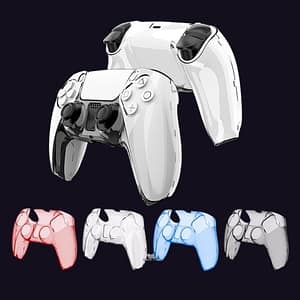 Transparent Hard Case for PS5 DualSense Controller – Ultra Slim Protective Shell
  Lenovo x WeCool Freesolo X3 Gaming Wireless Earbuds
 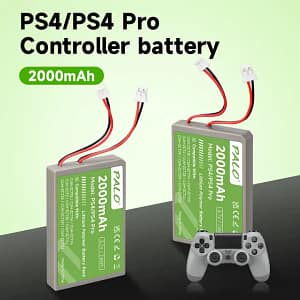 PALO 2000mAh Replacement Battery for PS4 / PS4 Pro DualShock 4 Controllers
  HITMAN – Game of the Year Edition (2016, PC)-GV287ei
  Mortal Kombat Legacy Kollection PC (2025)
 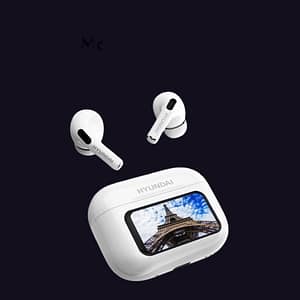 HY-Y11 Bluetooth 5.4 Wireless Earbuds with a touch screen – High-Performance In-Ear Earphones -white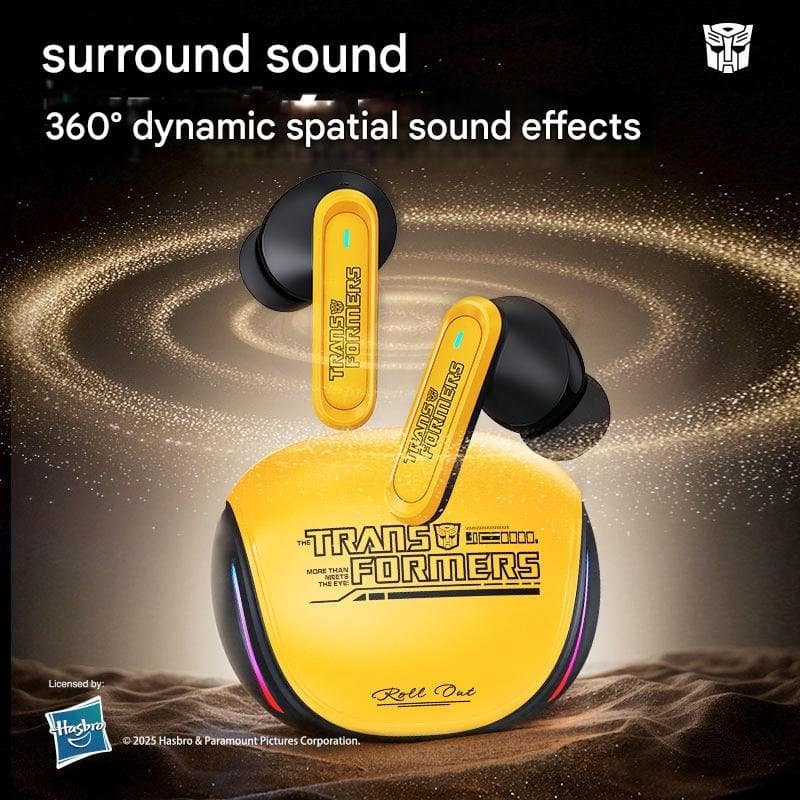











There are no reviews yet.